BRIEF DESK
LinkScope Sourcing 16
Use this page when the access point requirement is ready to leave your desk. The layout is a handling band, then a review illustration, then the form underneath. It is wider than the popup that opens from a radio card, and it keeps the same fields and the same submit action.
Reply path
The work email you type is the reply path. A separate public mailbox is not printed here.
Phone
Leave a number in the form if you want a call. No switchboard is published.
Review window
Briefs are read on US business days. A send time is not a ship date and not a promised reply clock.
Location picture
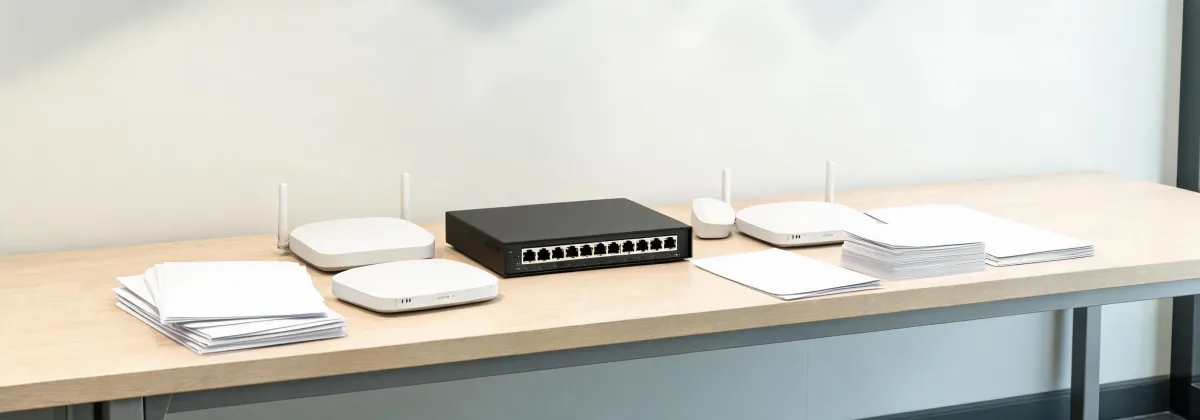
The image is a review bench. Do not treat it as a store pin, a street address, or a social channel. RFQs are not taken from a feed.
What to put in the requirement
Name the radio job in plain words: cloud managed ceiling radio, outdoor PoE radio, or DIN rail module. Then write port count, port speed, Power over Ethernet class or DC voltage, uplink type, management method, MIMO, channel width, frequency range, antenna gain, ingress protection, power input, and software or license scope.
Add quantity, the US destination, and the timing you need. If you have a target budget, include the amount or range, the currency, and whether it is per radio or the whole order. High-end, mid-range, budget, or not yet decided is a preference you choose. It is not a factory rating, and you can send the brief before any quotation exists.
Without JavaScript, type those budget and preference notes in the same box. The form does not accept file uploads. A drawing can be referenced after the desk answers the email you supplied. LinkScope Sourcing 16 forwards the technical request to factories as an independent sourcing partner. Price, stock, compatibility, and compliance remain unconfirmed until a supplier names the model.
Keep switch metrics off the radio line. Switching capacity and forwarding rate describe a switch. An SFP wavelength describes an optic. The radio line should stay on RF and on the copper or DC path that actually feeds the access point. If a mount, an injector, or a license is required, mark it included or excluded so it cannot hide inside one number.
The card popup asks for the same content in a narrow dialog. This page adds the handling notes and the bench illustration so the two screens are not copies. You can still open the inquiry cards first if you want a product name copied into the interest field.